GTA 6 too dark on PS5? Fix the HDR calibration settings
GTA 6 too dark on PS5? HDTV Test says the game's HDR calibration outputs unexpectedly and ignores Sony's global HDR settings. Here's how to adjust it.
GTA 6 may look darker on PS5 than it should, and the cause may be the game’s HDR calibration rather than your TV. A video from HDTV Test, made with a Sony reference monitor, suggests the values in Rockstar’s HDR calibration screen don’t come out in-game the way the on-screen instructions imply.
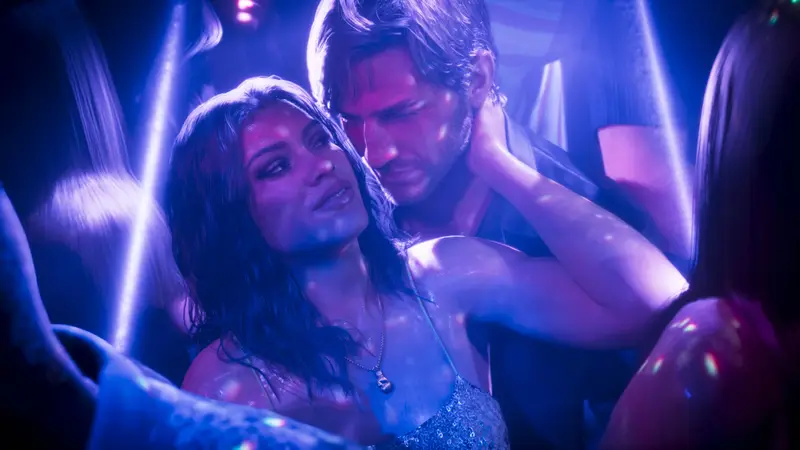
The calibration step asks you to adjust until the Rockstar logo is only just visible. HDTV Test recommends ignoring that and focusing on the two sample images of a party on a boat instead. You can toggle those between light and dark with R1.
According to the same analysis, Rockstar’s release also ignores Sony’s global PS5 HDR settings. That means calibrating your display carefully at the system level won’t help here.
To make the change, go to Options, then Settings, then Display, then HDR Calibration. HDTV Test’s starting values are aimed at a display capable of 1,000 nits or higher. The video’s author stresses that the best numbers depend on your screen and room lighting, so treat them as a baseline and tune from there.
Rockstar has not commented on the HDR behavior.
More inSettings and performance