GTA 6 Cinematic Camera and Auto Drive: how to turn them on
Get into a car, press down on the D-pad then Start, and set a destination to let Jason or Lucia drive while the Cinematic Camera films the ride.
In this article
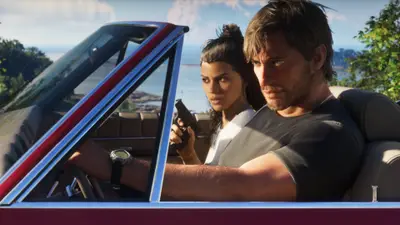
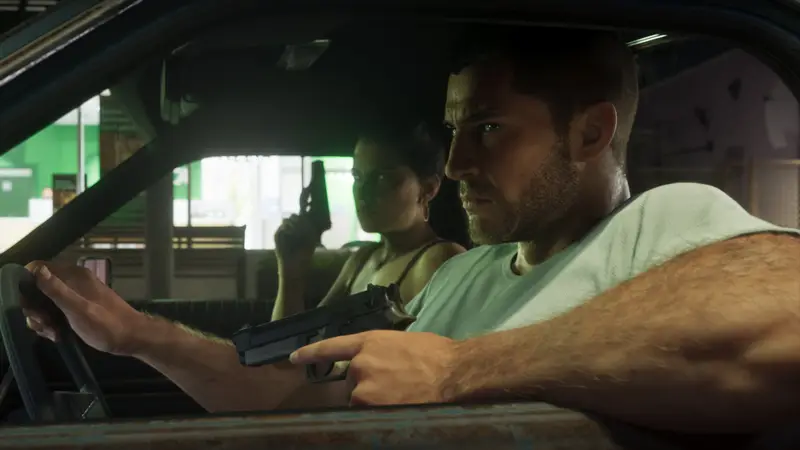
Get into a car, press down on the D-pad, then press Start to switch on the Cinematic Camera. If you have already set a destination, the chosen lovebird (Jason or Lucia) starts driving there on their own, so you can watch the ride instead of steering.
Setting the route
The destination has to be set before you start, or the car has nothing to drive to. You can set it on the map. For faster changes, hold down on the D-pad to open the quick navigation menu, which is new to GTA 6. Once the route is set, press down and then Start while seated in the car.
What the ride gives you
The Jason and Lucia dialogue keeps playing during Auto Drive. Eurogamer’s writer said that in ordinary driving, traffic and pedestrians often cut these conversations short or end them altogether. With the camera on, the conversations run through.
The trips are long. Eurogamer’s example, a drive from Pelican River to Bayside in Vice City, took probably about 15 minutes of real time, by Eurogamer’s estimate. That is enough to catch a full conversation or a radio track, and the writer also found the drives useful for slowing the pace between heists and side jobs.
Things to know
Auto Drive only runs while a destination is set, so a plain press of Start in a car will not take you anywhere. The camera is a good way to see the world and the characters, but you give up control of the car for the length of the trip, so use it when you have no urgent job on the go.